Services

VS Code in the browser for remote development

DevelopmentIDE
Deploy

What is Code Server?

code-server is an open-source project from Coder that runs VS Code on a remote server and serves it through a web browser. It lets developers write, debug, and run code from any device while keeping projects and tooling centralized on the server. Common use cases include remote dev environments, cloud IDEs, and browser-based coding on homelab or VPS infrastructure.
How to deploy on Kubeara

  1. Sign in to your Kubeara dashboard and connect a server if you have not already.

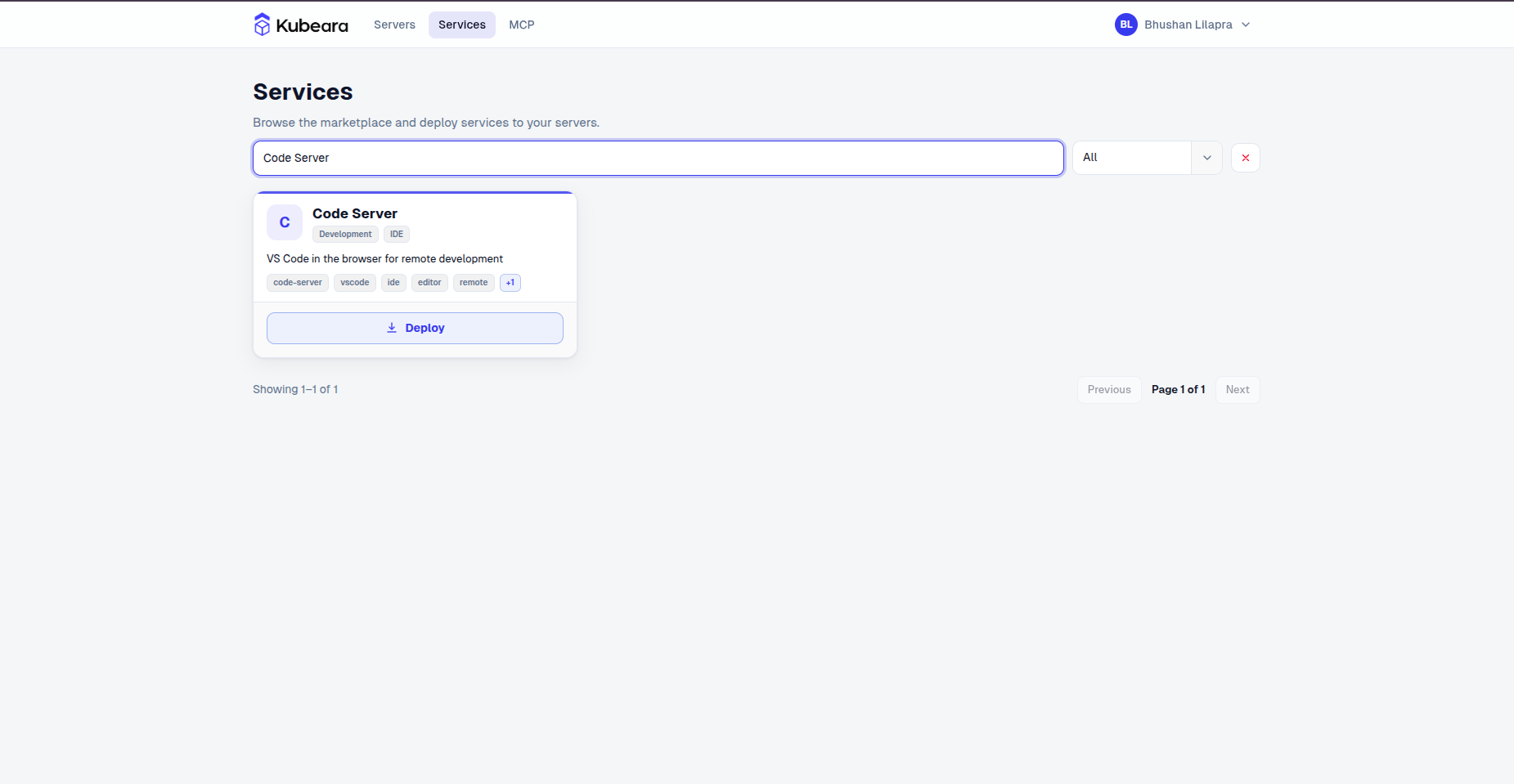
  2. Open the Services catalog and select Code Server.

    Code Server on Kubeara
    Code Server on Kubeara
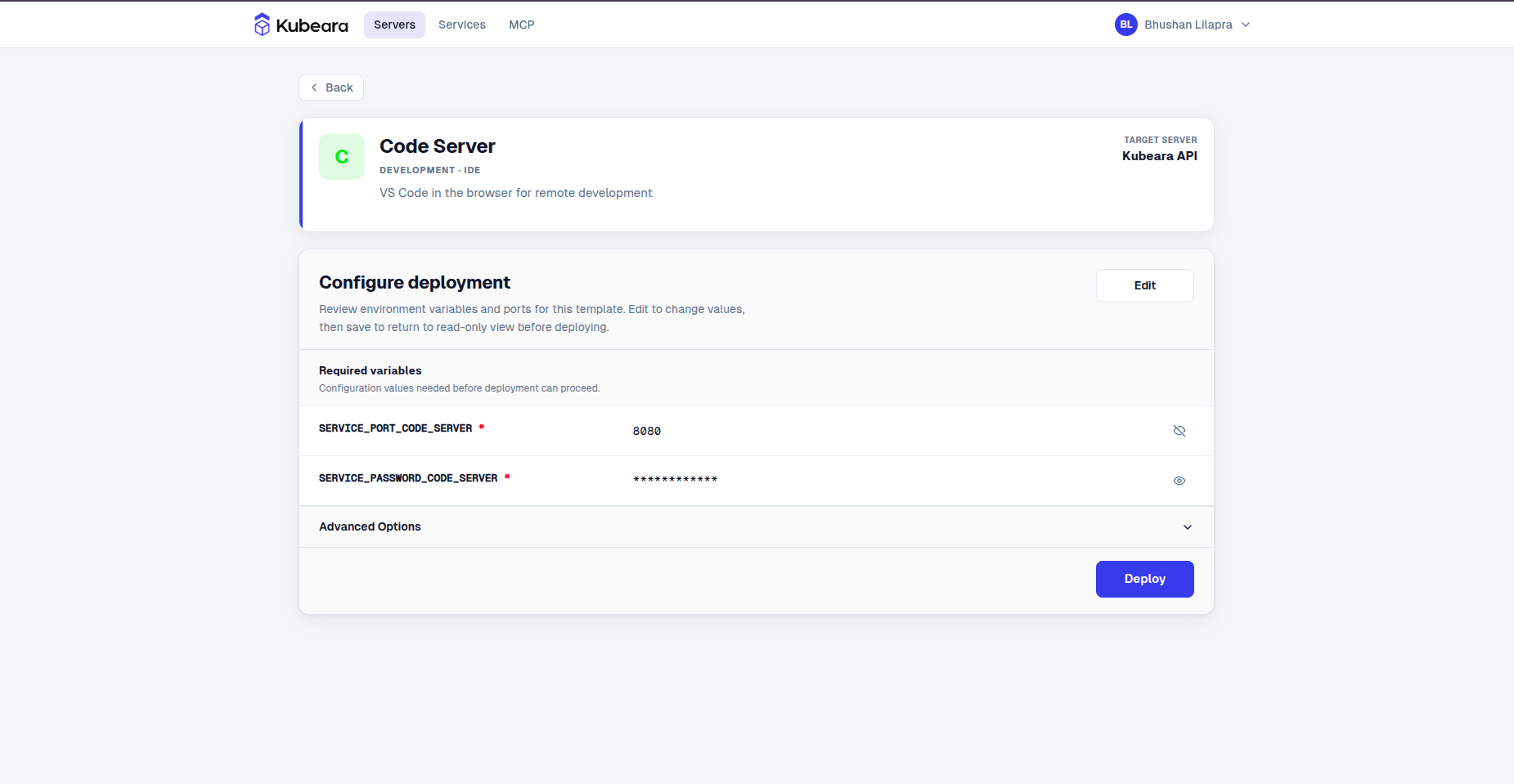
  3. Review the pre-configured settings and click Deploy.

    Code Server environment configuration on Kubeara
    Code Server environment configuration on Kubeara
  4. Code Server is now running on your Kubeara server. Open your dashboard to get started.