Services

Elasticsearch with Kibana

Elastic Stack bundle with Elasticsearch and Kibana UI

DatabaseSearch
Deploy

What is Elasticsearch with Kibana?

This bundle deploys Elasticsearch together with Kibana, the official web interface for searching, visualizing, and managing Elastic Stack data. Elasticsearch provides the distributed datastore and search engine, while Kibana adds dashboards, Dev Tools, management screens, and analytics workflows on top of the same cluster. Teams use this pairing for log monitoring, search-backed apps, and operational dashboards in self-managed environments.
How to deploy on Kubeara

  1. Sign in to your Kubeara dashboard and connect a server if you have not already.

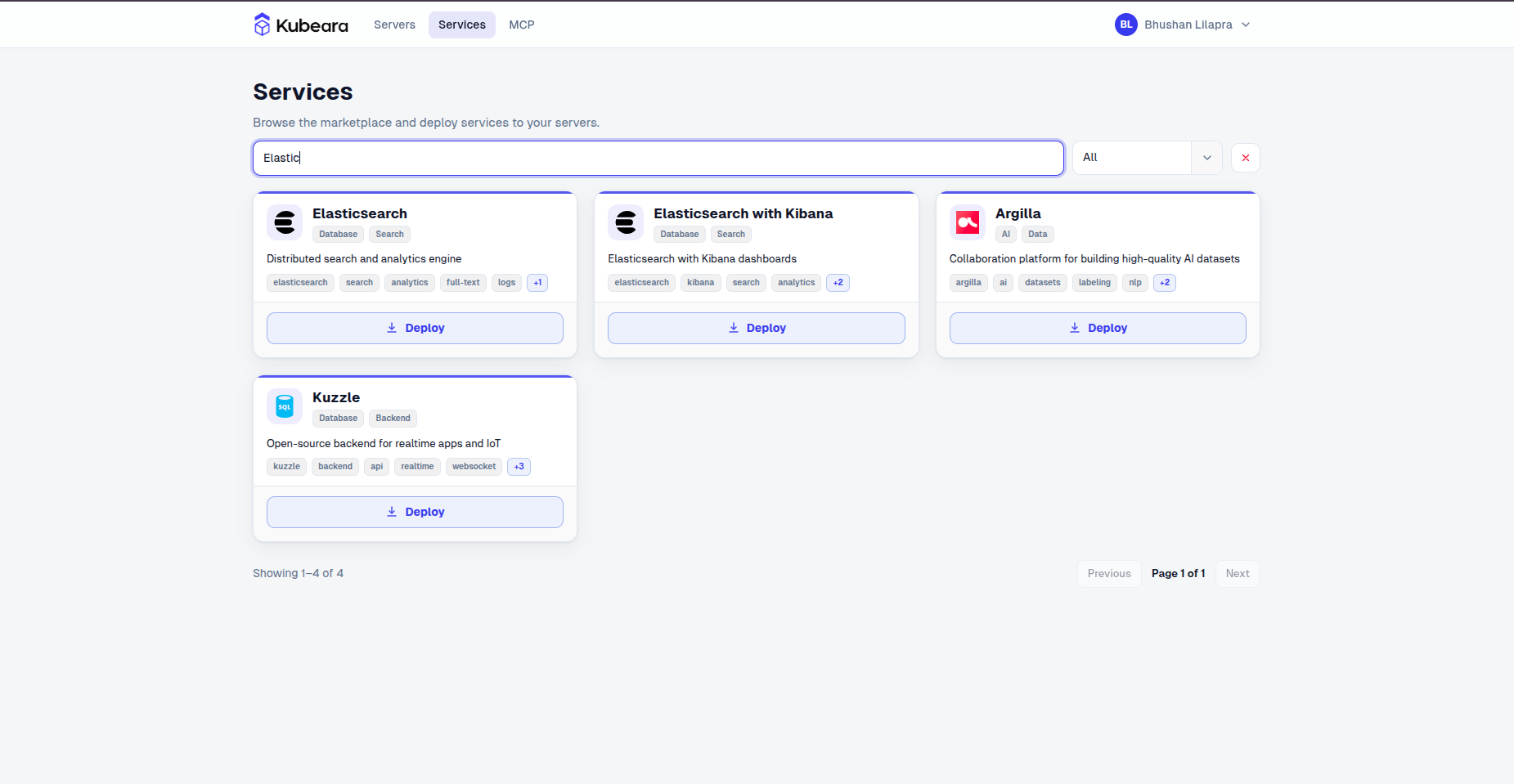
  2. Open the Services catalog and select Elasticsearch with Kibana.

    Elasticsearch with Kibana on Kubeara
    Elasticsearch with Kibana on Kubeara
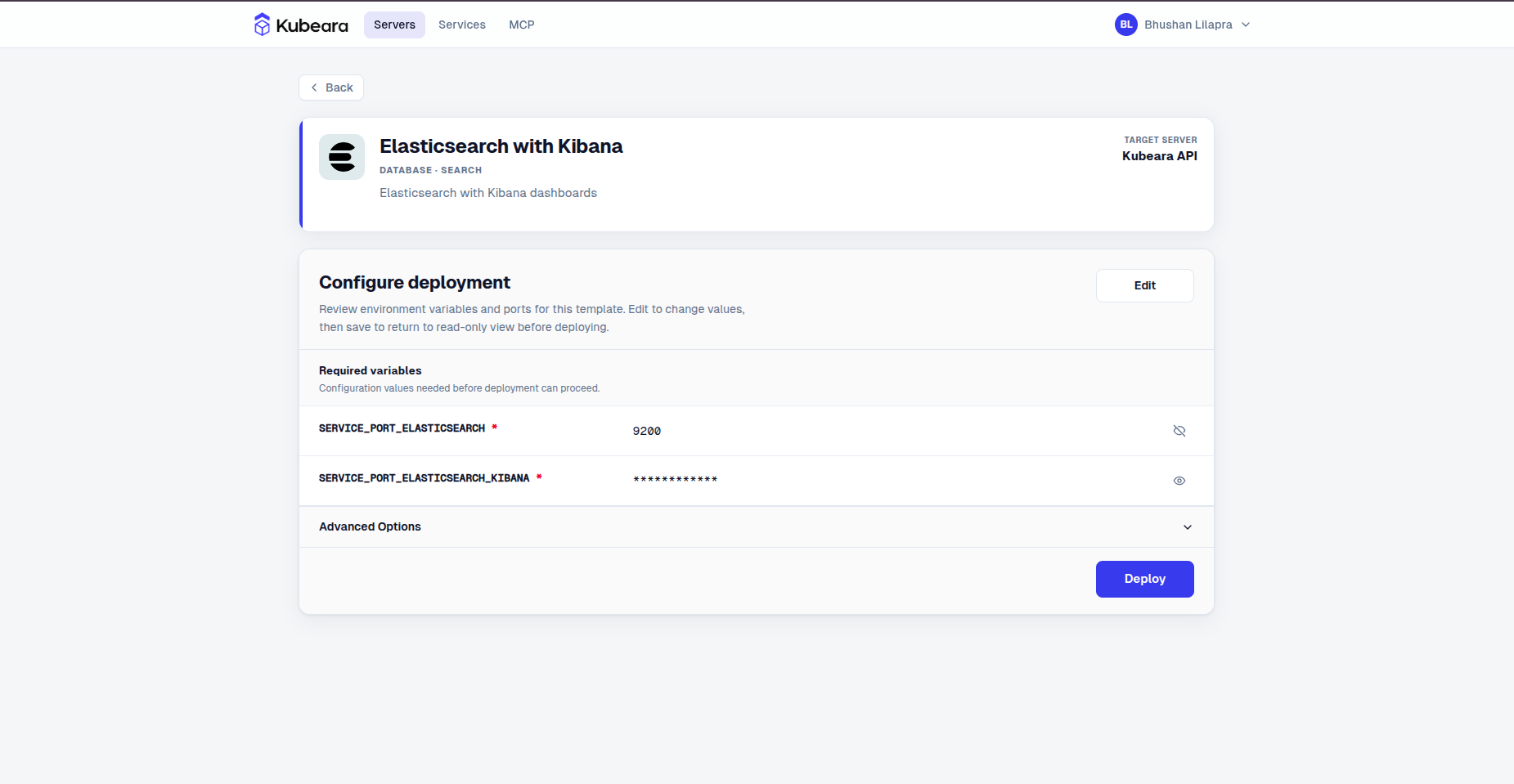
  3. Review the pre-configured settings and click Deploy.

    Elasticsearch with Kibana environment configuration on Kubeara
    Elasticsearch with Kibana environment configuration on Kubeara
  4. Elasticsearch with Kibana is now running on your Kubeara server. Open your dashboard to get started.