Services

Ollama with Open WebUI

Local LLM runtime with a self-hosted chat web interface

AILLM
Deploy

What is Ollama with Open WebUI?

This bundle combines Ollama for running local language models with Open WebUI as a browser-based chat and administration interface. Open WebUI connects to Ollama's API so users can chat with models, manage conversations, and configure settings through a web app. It provides a ready-made self-hosted alternative to hosted AI chat interfaces.
How to deploy on Kubeara

  1. Sign in to your Kubeara dashboard and connect a server if you have not already.

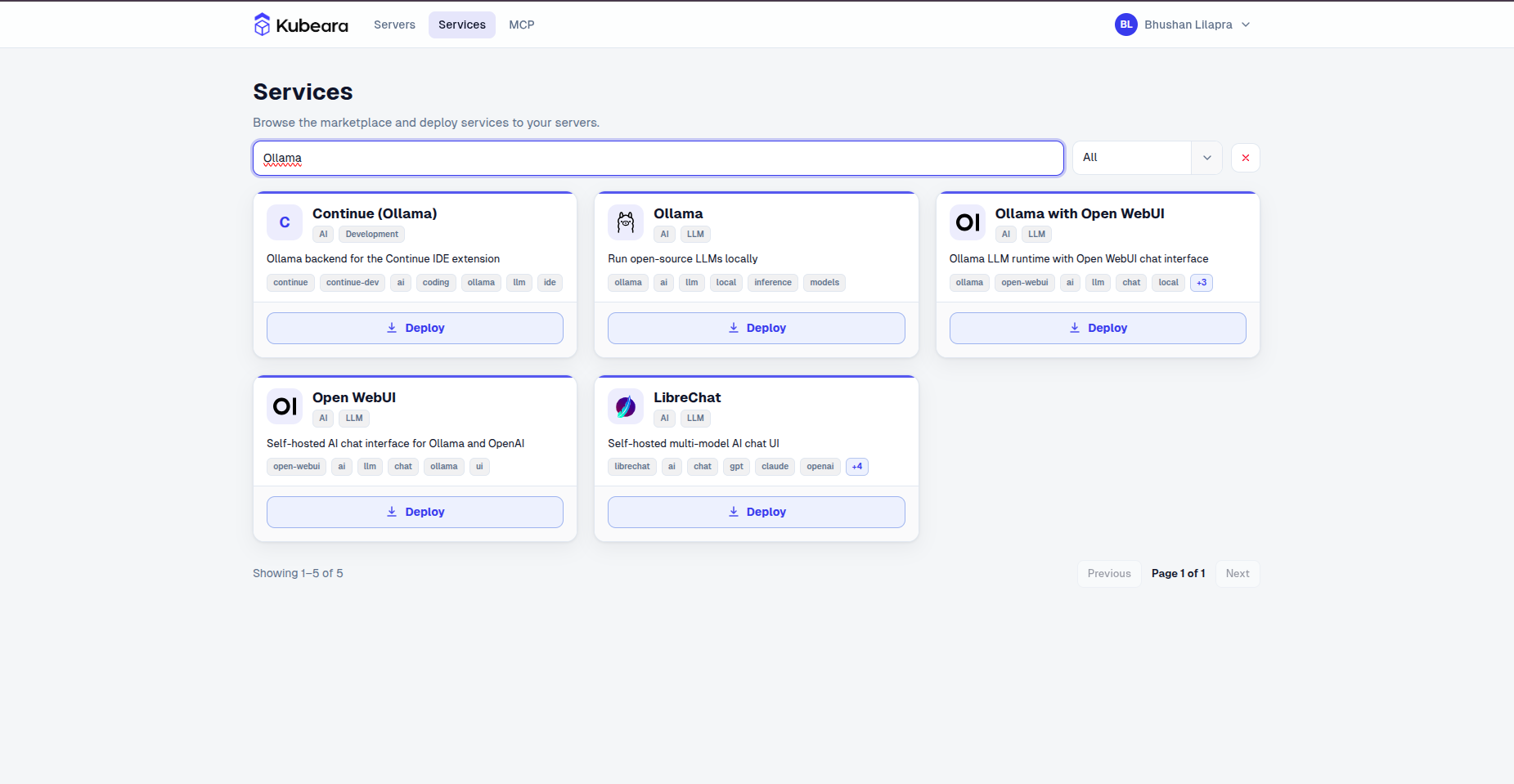
  2. Open the Services catalog and select Ollama with Open WebUI.

    Ollama with Open WebUI on Kubeara
    Ollama with Open WebUI on Kubeara
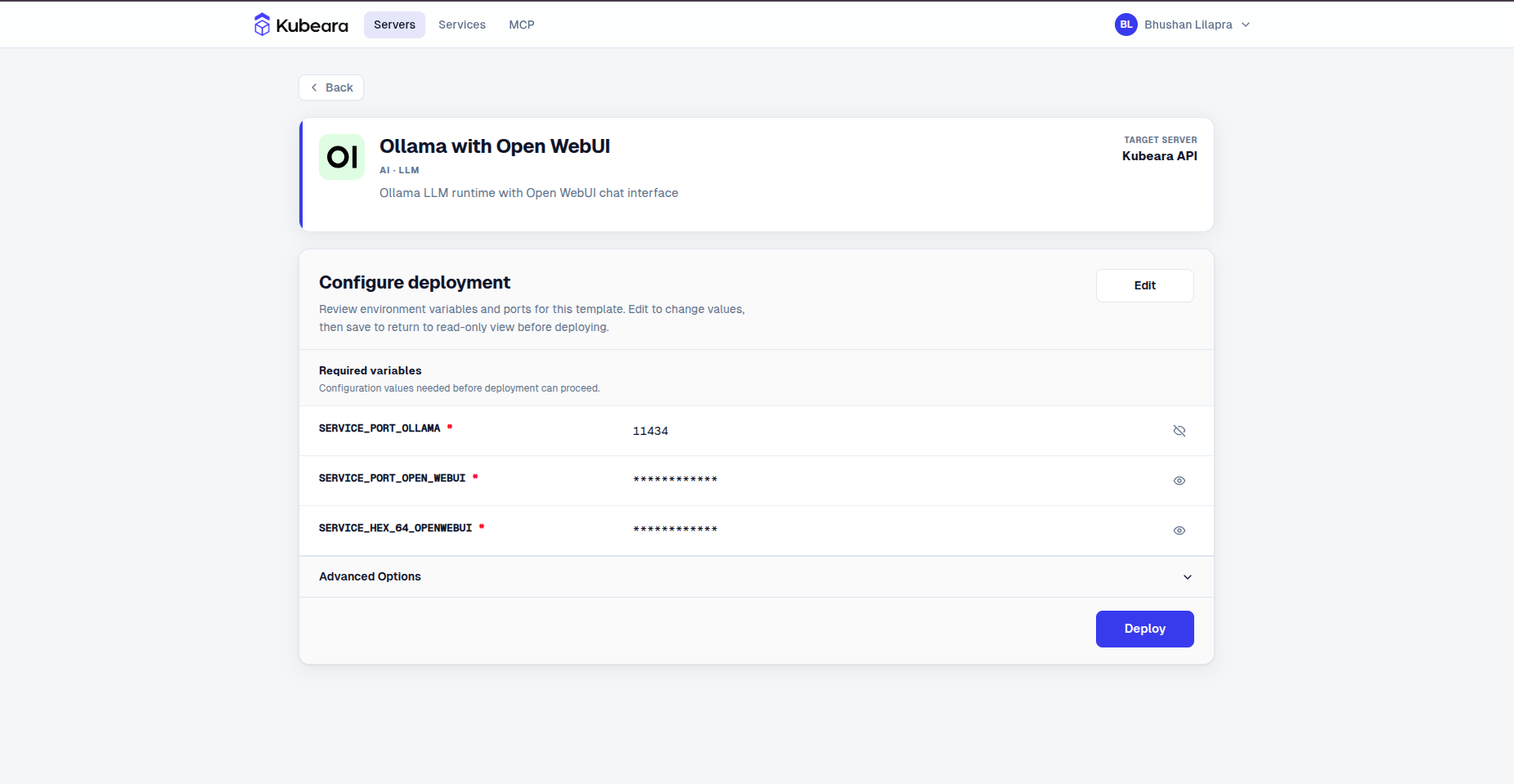
  3. Review the pre-configured settings and click Deploy.

    Ollama with Open WebUI environment configuration on Kubeara
    Ollama with Open WebUI environment configuration on Kubeara
  4. Ollama with Open WebUI is now running on your Kubeara server. Open your dashboard to get started.